Upload requirements
Meet photo upload requirements
A form can require both a pixel size and a byte limit. Resizing alone may not meet both. Enter the actual requirements, keep the subject inside the crop and check every result status.
Open workspaceWhen this helps
Use this when a form asks for a specific image size, aspect ratio, file-size range or format. Read the actual form instructions first and check the finished file before submitting it.
For example
A task you can finish here
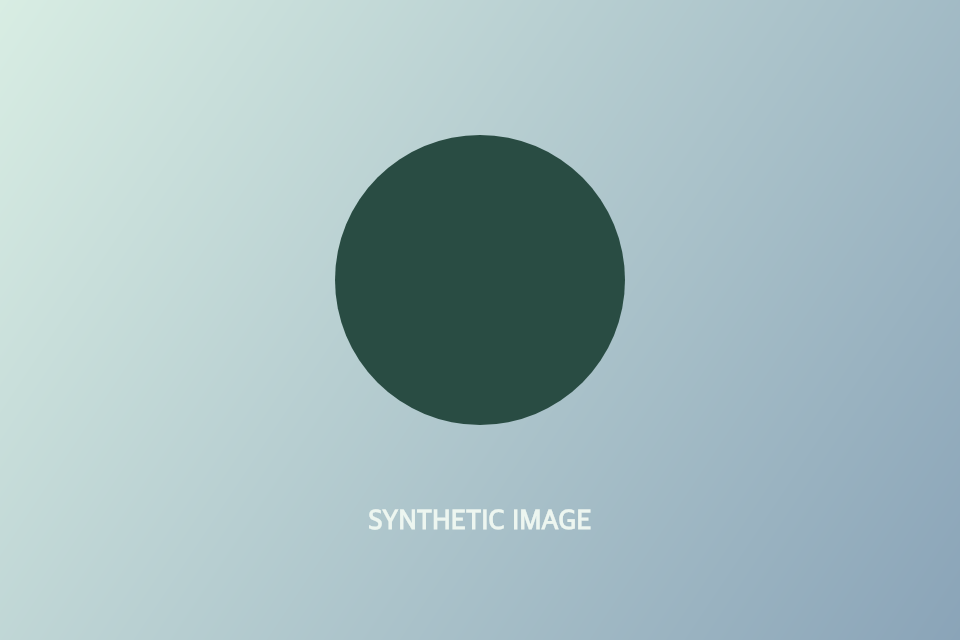
Practice with image-example.png below, a synthetic 960 × 640 graphic. Pretend a form asks for a 400 × 400 JPG of at most 200 KB. Allow only JPG, set both dimensions to Exactly 400 and set At most to 200 KB. Position the square crop around the circle, then create the photo. Check JPG, 400 × 400 and no more than 200,000 bytes in the result; reopen the download and confirm the circle is intact. These are practice rules, not an official photo standard.
The workflow
Three clear steps
- 01
Choose a photo
Open a JPG, PNG or WebP in the Images workspace. Read the receiving form’s current instructions for format, width, height and file size; use the practice file if you only want to try the controls.
- 02
Enter the bounds
In Save, choose Meet a requirement. Select the allowed formats, choose Exactly or Between for each dimension and enter any At least or At most file size with its unit. Move the crop frame so important details remain inside. Resolve any conflicting bounds before creating the photo.
- 03
Check the new file
Choose Create photo and read the result for every bound, including the exact byte count. Download the new file and reopen it to check the crop and small details. After changing a requirement or crop, create a fresh result before using it.
Your photos and the public site
Open files only in the separate Images workspace. Its processing runs in your browser; this public site does not receive your photos, filenames or edit choices.Read the privacy information.
Questions
Does the tool guarantee acceptance by an upload form?
No. It checks the file bounds you enter. Review the form’s other requirements yourself.
Will it add bytes to meet a minimum size?
No. It reports an unmet minimum instead of padding the file.
How many bytes is a 200 KB maximum here?
A maximum of 200 KB means 200,000 bytes; a minimum of 200 KB means 204,800 bytes. Images uses these stricter interpretations because forms disagree about KB. Compare the exact result bytes with the form’s own instructions. A small practice graphic may fall below a required minimum; Images does not pad it.
Ready to work on your photos?
Your original files stay unchanged.
Open workspace